
eTb – Electronic Tallysheet for Butterflies

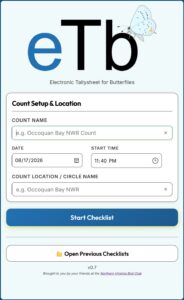
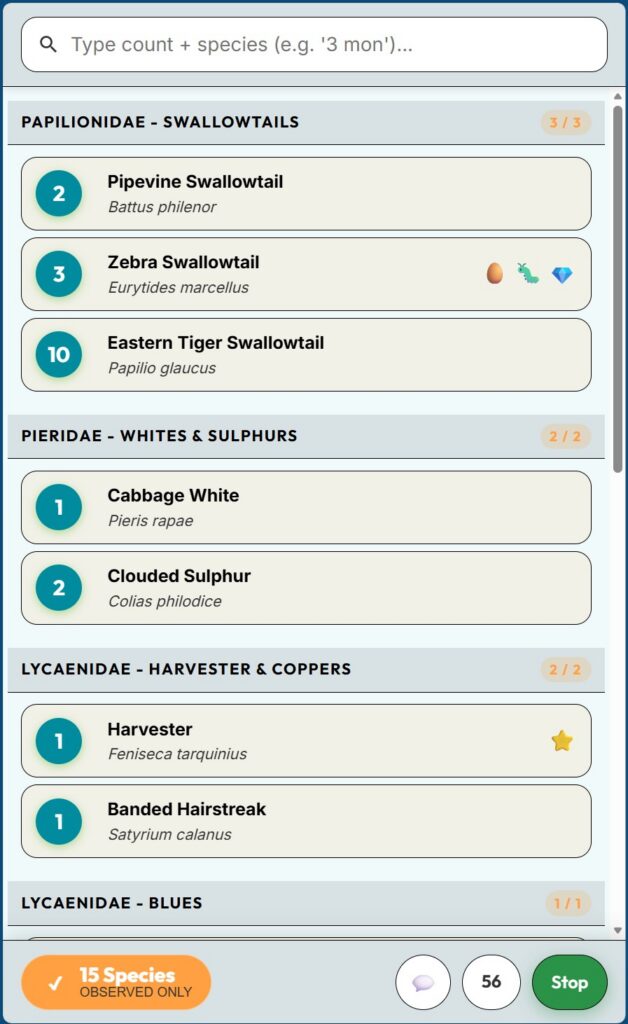
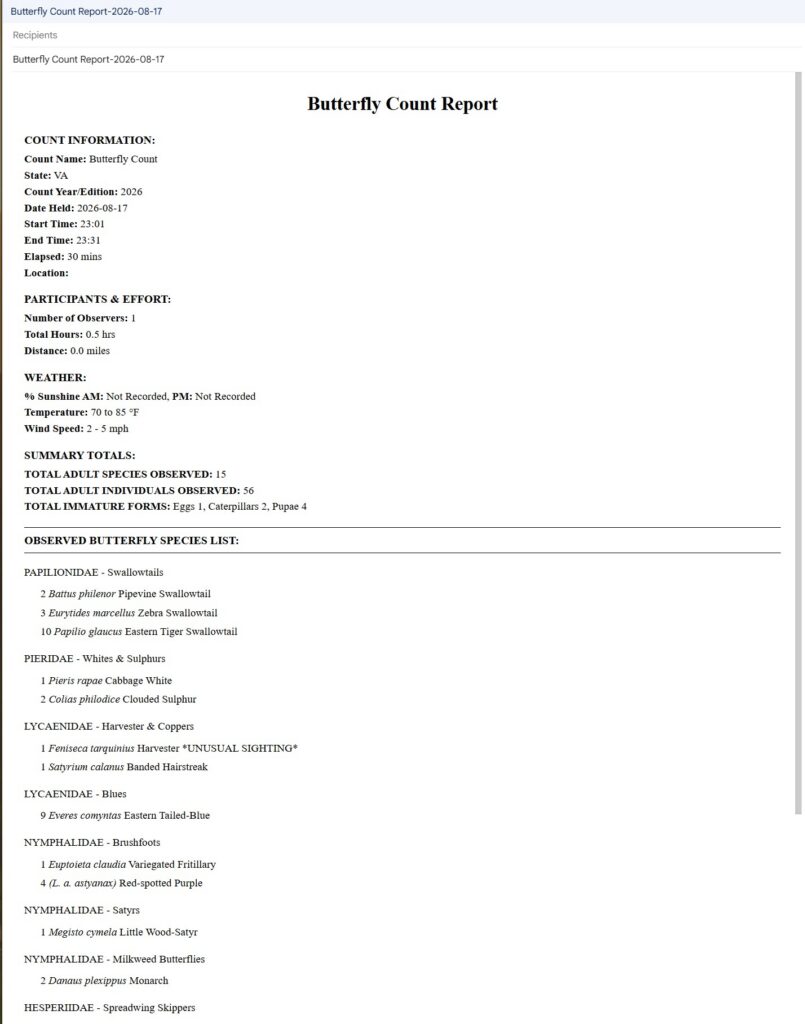
eTb (Electronic Tallysheet for Butterflies) is a mobile web application designed for field counters, compilers, and butterfly enthusiasts participating in annual or seasonal butterfly counts. It can be installed locally on your phone’s home screen and used without connectivity.
Modeled after modern field recording tools like eBird, eTb streamlines butterfly observation logging in remote location even where cellular service is unavailable.
🌟 Key Features & Capabilities
📱 Offline-First Progressive Web App (PWA)
- Works Without Cell Service: Install eTb directly to your smartphone’s home screen (iOS Safari or Android Chrome) before heading out. All taxonomic data and app functionality run completely offline.
- Local Device Storage: Your observation checklists and weather logs are saved directly to your phone using IndexedDB storage. No account creation, cloud connection, or cellular signal required.
🦋 eBird-Style Fast Field Counting
- Quick-Add Tallying: Tap the
+button or current count next to any species to increment counts instantly as you walk your route. - Shortcut Search & Multi-Add: Type numbers followed by species name shortcuts (e.g., 3 mon for 3 Monarchs) to instantly add counts for that species.
- Smart Acronym Search: Search Common Name or Scientific Name by typing acronyms (e.g. rsp for Red-Spotted Purple) or partial names.
- Custom Species Views: Filter your checklist view by All Species, Common Mid-Atlantic Species, or Observed Species Only.
🐛 Detailed Observation Tracking
- Immature Stages Logging: Record eggs (🥚), caterpillars (🐛), and pupae (💎) alongside adult butterfly counts.
- Unusual Sightings & Notes: Flag notable/unusual observations (indicated with a star⭐) and add species-specific field comments (💬).
- Field Notes: Jot down habitat notes, environmental observations, or general trip details right from the field counter toolbar. Hint: Use your phone’s microphone button to dictate species or checklist notes without typing.
📊 Automated NABA-Aligned Count Reports
- Instant HTML Preview: Watch your count report summary generate and update live as you adjust count metadata, observer count, elapsed time, and other details. Generated in the same order and the same sections as a standard NABA Butterfly Count Sheet.
- One-click Emailed Reports: A single click opens your email, preloaded with the count report where you can email it to yourself or everyone on your team
- Flexible Export Formats:
- Regular – High-Quality: Formatted text ready to copy-paste cleanly into emails or other apps.
- Plain Text: Standard plaintext for quick email without having to copy/paste.
- PDF Export: Generate clean, printable PDF count reports directly on your device.
- CSV & JSON Backup: Download raw tabular CSV spreadsheet data or JSON checklist backups.
🚀 How to Get Started
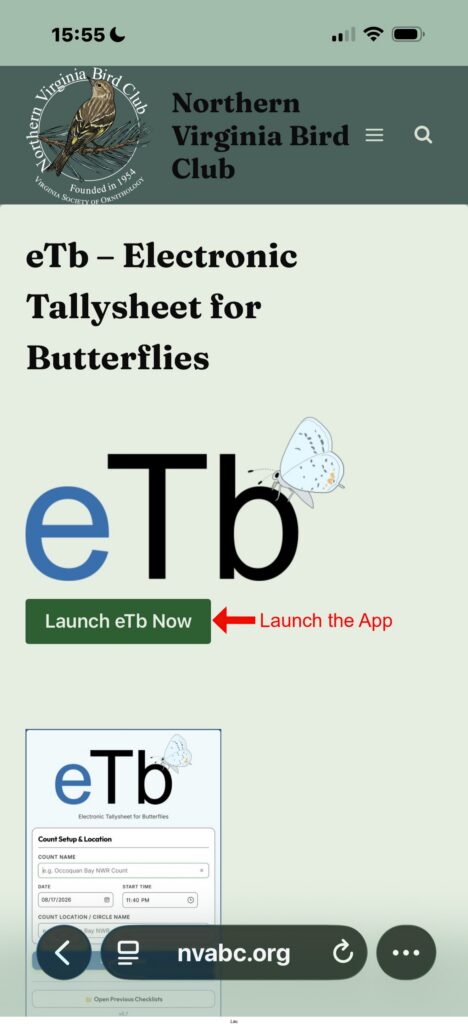
- Open the App: Navigate to https://nvabc.org/apps/etb/ in your mobile browser(or click the green Launch button above).
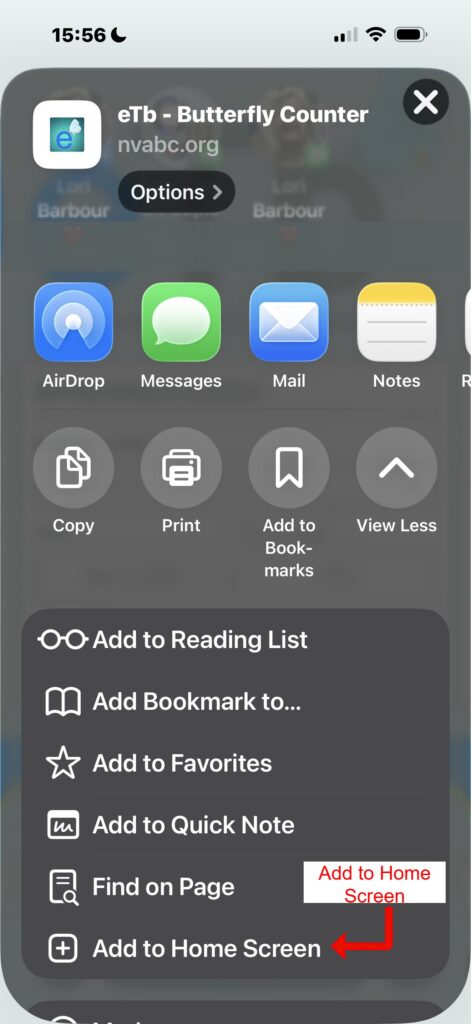
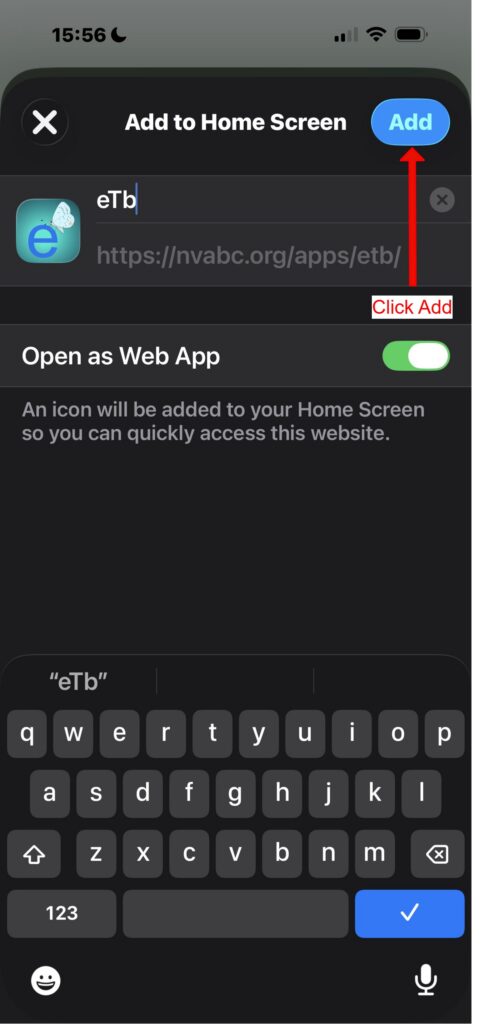
- Install to Home Screen:
 eTb Home Screen Icon
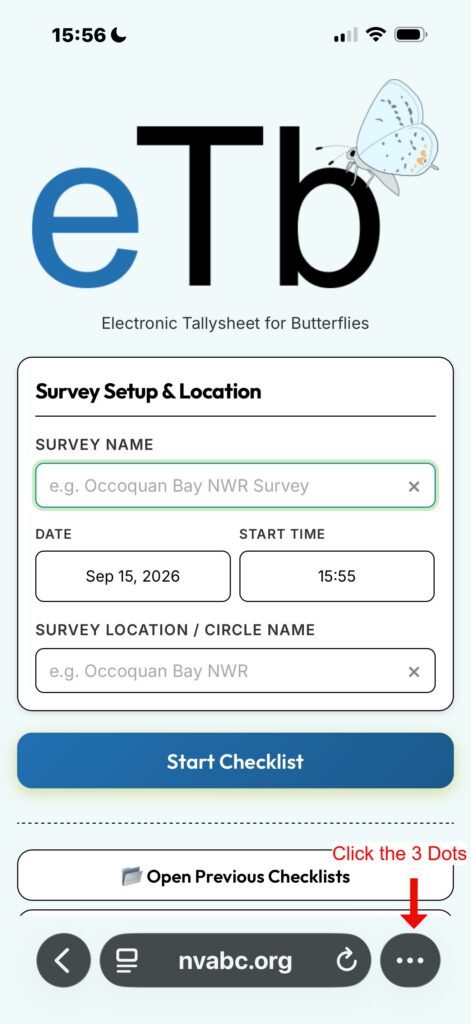
- iOS (Safari): Use the instructions below with screenshots.
- Android (Chrome): Tap the Menu (3 dots) → select Install app or Add to Home screen.
- Start a Checklist: Enter your Count Name, Date, Start Time, and Circle Location, then tap Start Checklist.
- Log Butterflies: Tap species rows to increment counts or add notes/immatures.
- Review & Share: Tap Stop when finished to calculate elapsed time, select weather conditions (% Sunshine AM/PM, Temperature range, Wind speed), and export or email your formatted count report!
Apple /IOS Home Screen Installation
🔒 Privacy & Data Ownership
All checklist data, location details, and counts remain 100% private and stored exclusively on your personal device. eTb does not send data to NABA or any third-party server, giving you full control to review, edit, export, or delete your field tallysheets at any time.
Feedback
Don’t hesitate to contact us with any feedback or suggestions for the app